Email your fans about your next shows
Email your fans sends one email to everyone on Your people who has an email: people who bought a ticket to any of your shows, guests on your lists who have an email, and people you imported. Each address gets it once. Anyone who has unsubscribed, and anyone you removed, is left out. The screen shows how many fans that is. Nobody yet means nobody has bought a ticket to your shows and you have not imported anyone.
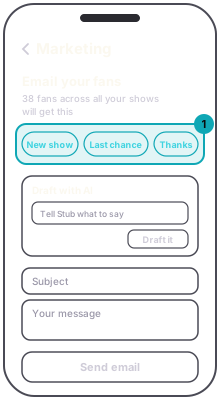
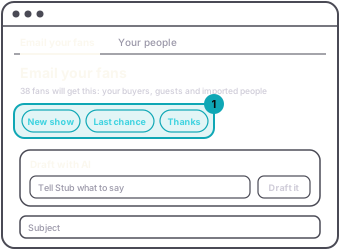
Pick a starter, New show, Last chance or Thanks, to fill in a subject and message you can edit. Or tell the AI what to say and press Draft it, then adjust the tone. Pick an email theme if you like.
Under Feature shows, choose the upcoming published shows to put in the email. Each gets a card with a Get tickets button. You can send without featuring any. Then press Send email and confirm.
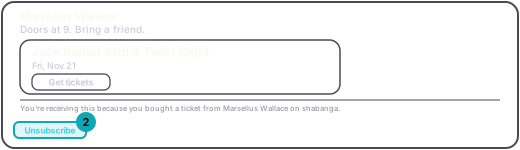
Every fan email ends with an Unsubscribe link. Someone who presses it gets no more fan emails from you. It does not stop their ticket emails, or a message to ticket holders about a night they are going to.