
Put tickets on sale at a set time
Schedule the drop picks the moment admission goes on sale. Until then the event stays published and shareable, and the event page says Tickets drop with the date and time. Nobody can buy admission before it. Guest passes are unaffected.
Pick the date and the time in the venue's own clock, wherever you are. On the dashboard press Set. In the app press Schedule.
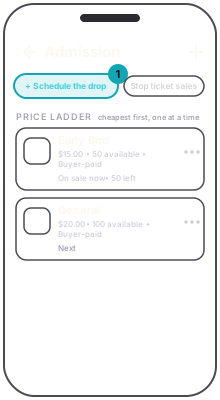
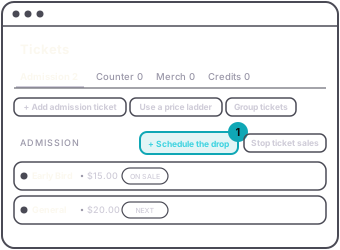
While the drop is waiting, every admission row reads Holds for drop, packages and choose-a-price included. Skip to next is not offered, because nothing is on sale yet. On the dashboard Stop ticket sales is hidden until the drop passes.
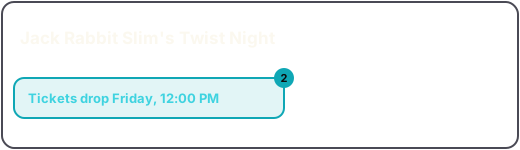
If ticket sales are stopped when you schedule the drop, scheduling it resumes them, starting at the drop time.
To change or cancel it: on the dashboard, press the Tickets drop button and change the time and press Update, or press Clear. In the app, tap the Drops pill to change it, or the cross on it to clear it. Clearing puts tickets on sale immediately.
There is one drop for the event, not one per tier. Once the time passes, the tiers sell in their usual order. The app keeps showing the Drops pill and Holds for drop after that, even though sales are open, and does not show the ladder or Skip to next again until you clear the drop with the cross on the pill. Clearing it then changes nothing for buyers.